Based on valuable feedback and my original vision, it’s clear that having a dedicated website for this workshop is a great idea. Somewhere where the curriculum is accessible, as is the introduction to what the workshop is about, and a place for student works to be seen.
- The website will be open source, so everyone can see, contribute, and learn from it.
- It will be educational, providing resources, examples, and guidance related to the workshop.
- It will be community-led, meaning I will continue to improve it based on your input and suggestions.
This approach ensures the workshop grows stronger and more useful for everyone involved.
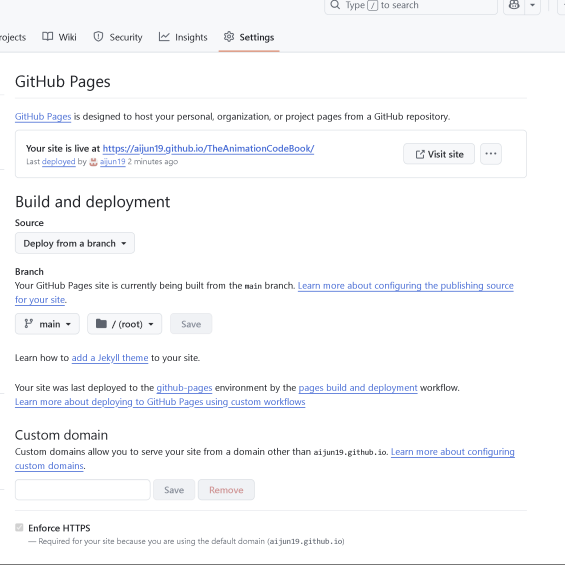
Since this module focuses on open-source and community-driven learning, it was important for me to ensure that the website is accessible to all. Before initiating a pull request to have it hosted on the p5.js educational resources website, I wanted to publish it publicly on GitHub Pages. This is so that if the PR was accepted, my website would have a publicly accessible link via GitHub itself.
Making the Website
This was a straightforward but slightly lengthy process as it has been a while and I had to touch up on some basic skills. I decided to keep it basic for now, but functional where it needs to be, and then continually push changes to GitHub to improve the website and its’ contents.
Homepage
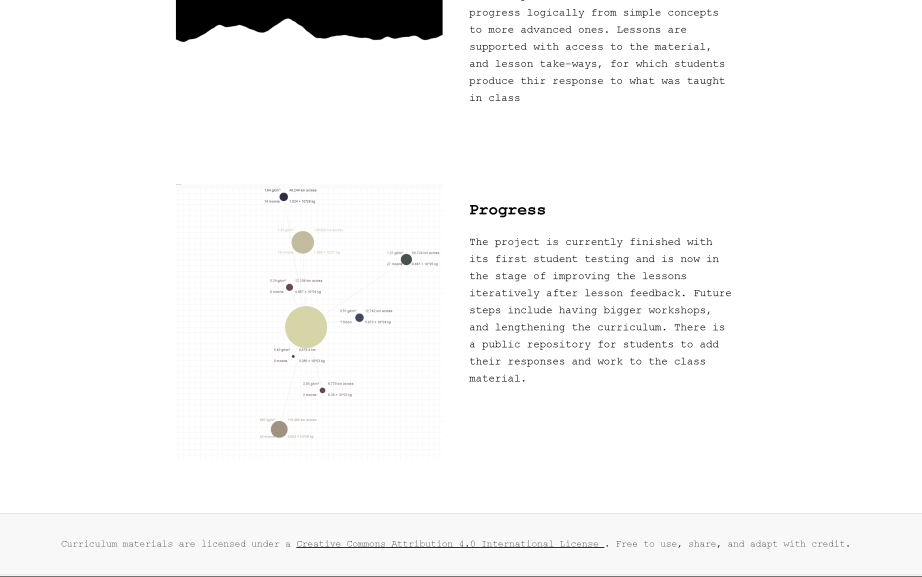
I followed roughly the style of https://whoseai.net/, as I liked how clear it was about method, intent, and how simple it was. I did something similar.
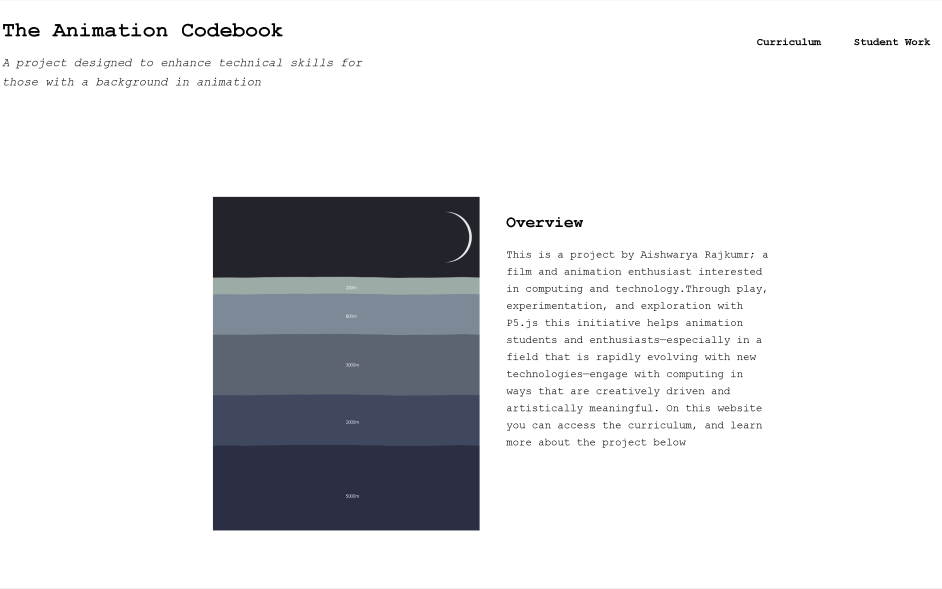
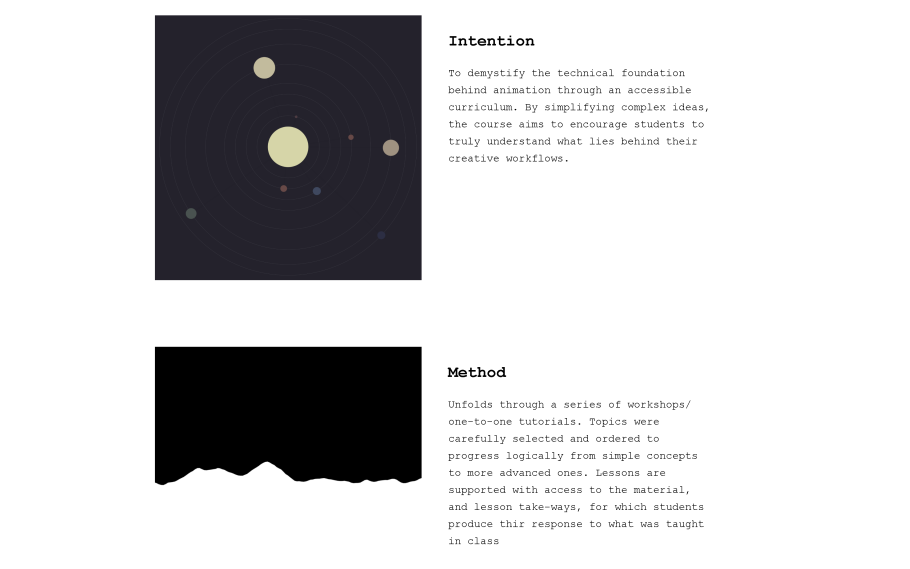
I added the licensing as mentioned in a previous blog post at the bottom of all pages.
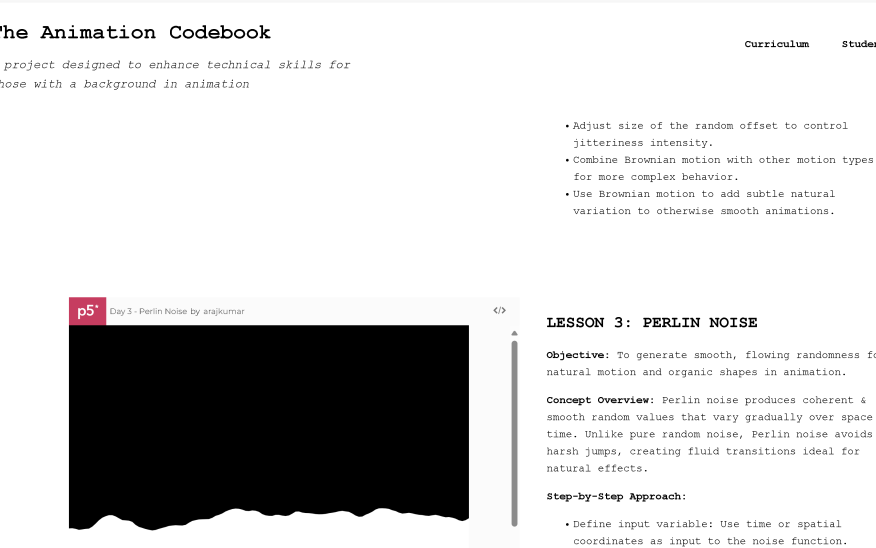
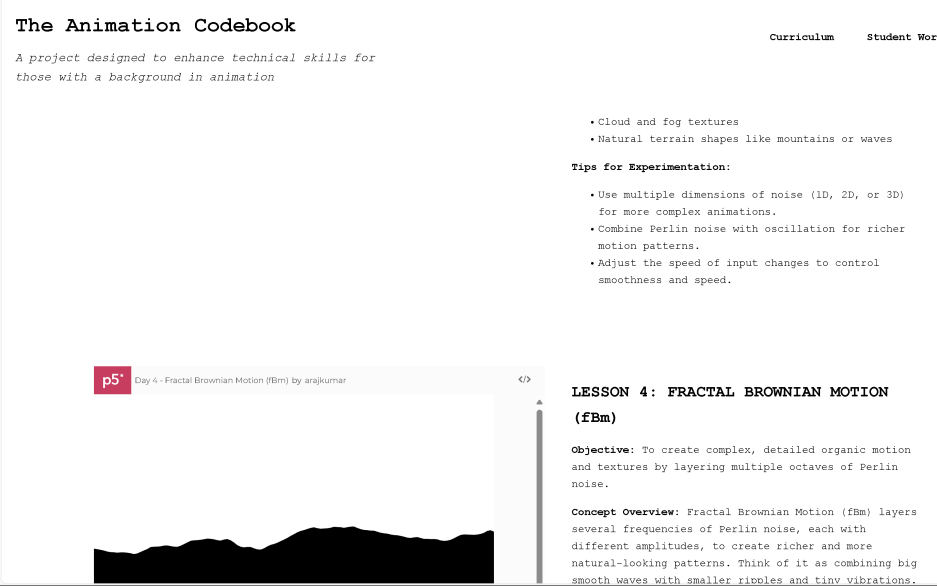
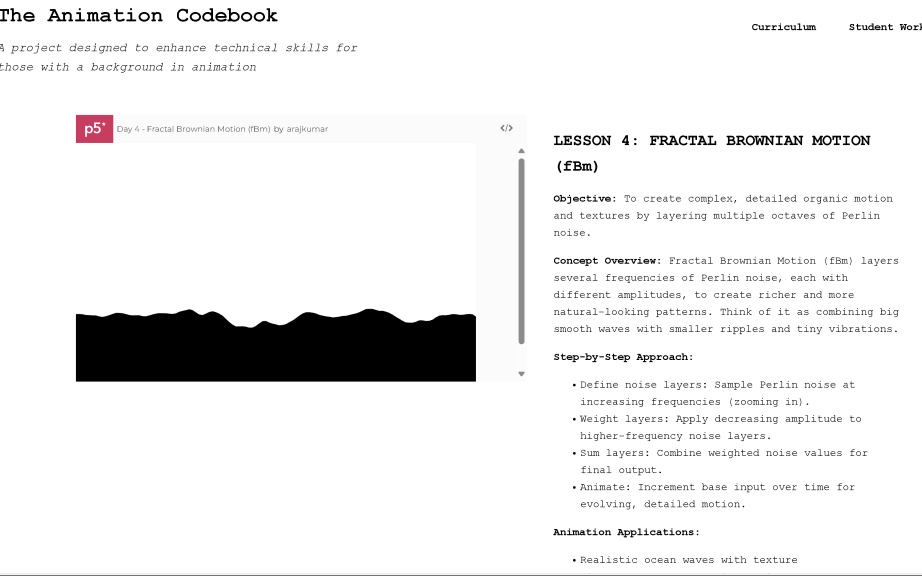
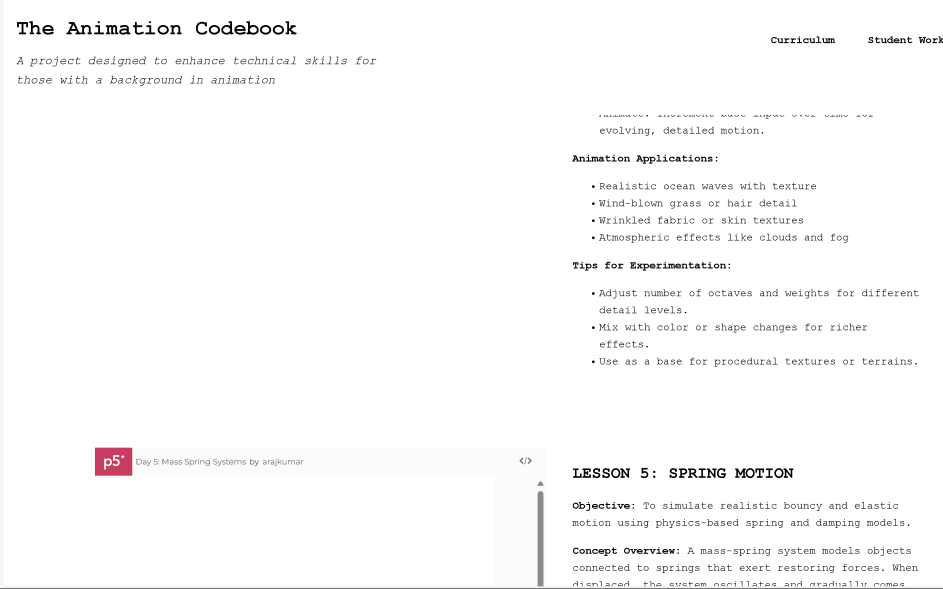
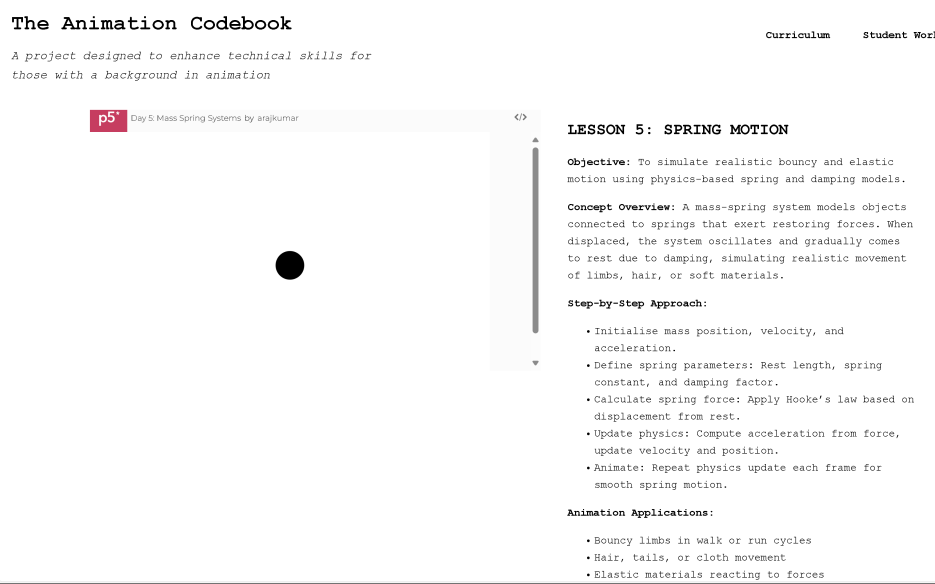
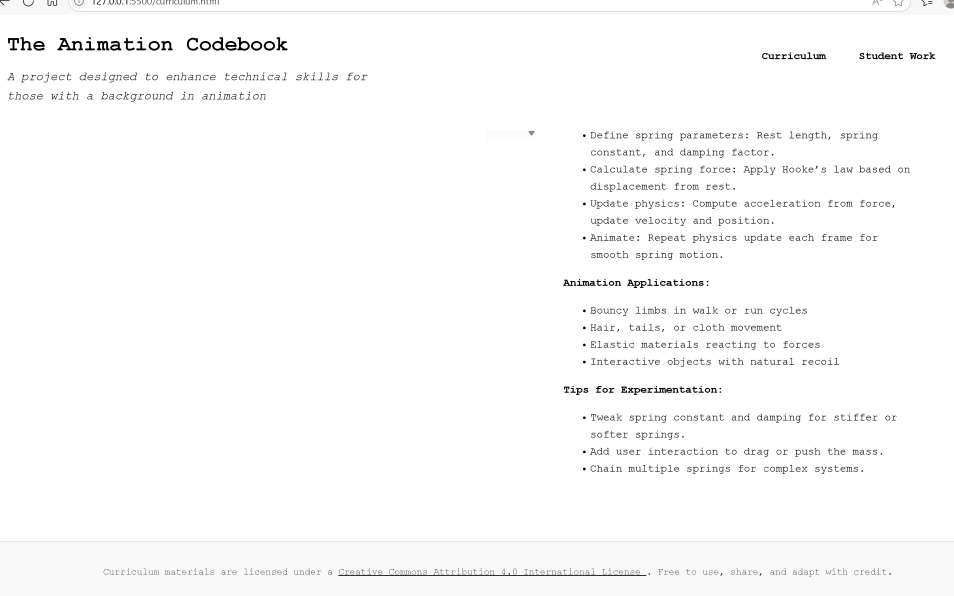
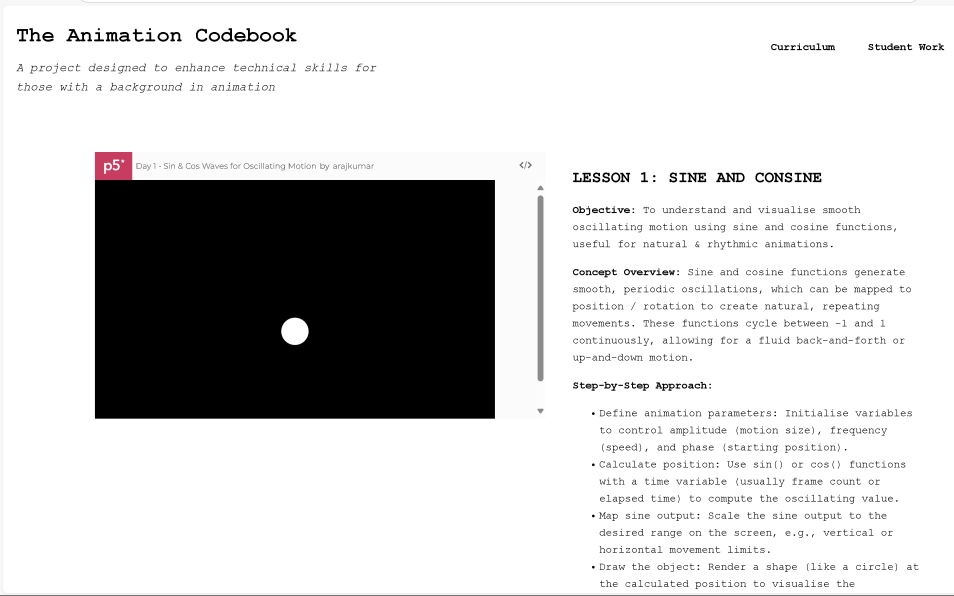
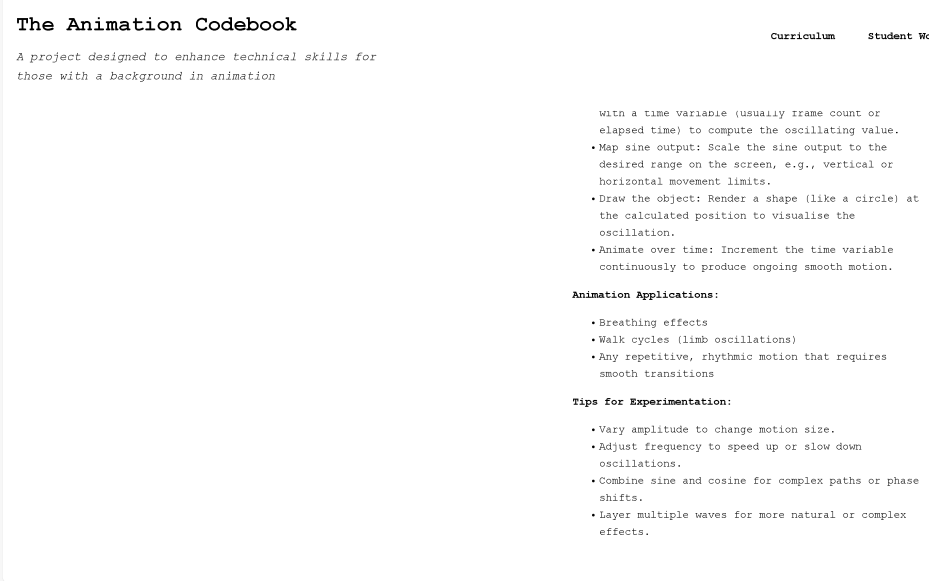
Curriculum Page
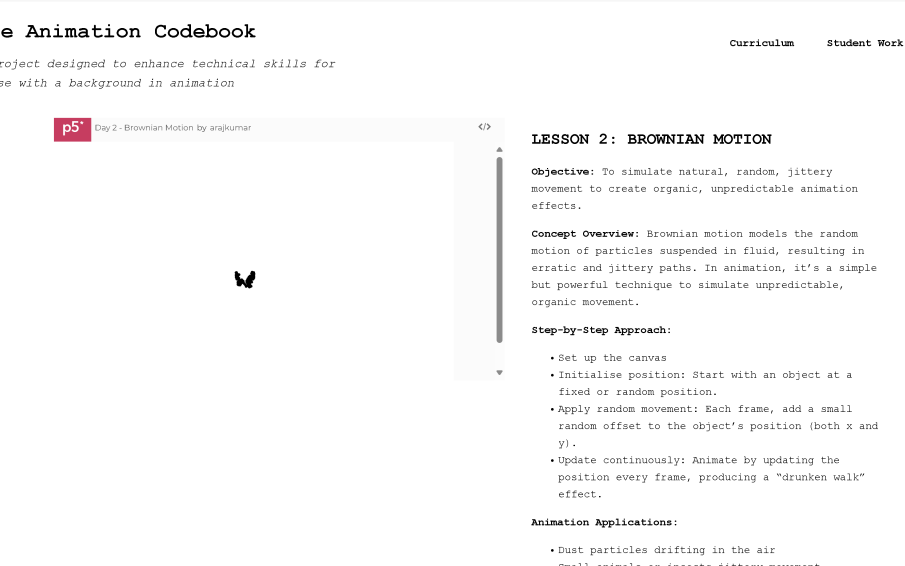
I kept it quite straightforward here as well. I lacked time, but I needed to keep it essentialist, and make sure to serve the purpose. Any fancy appearances or details could be pushed as changes later.
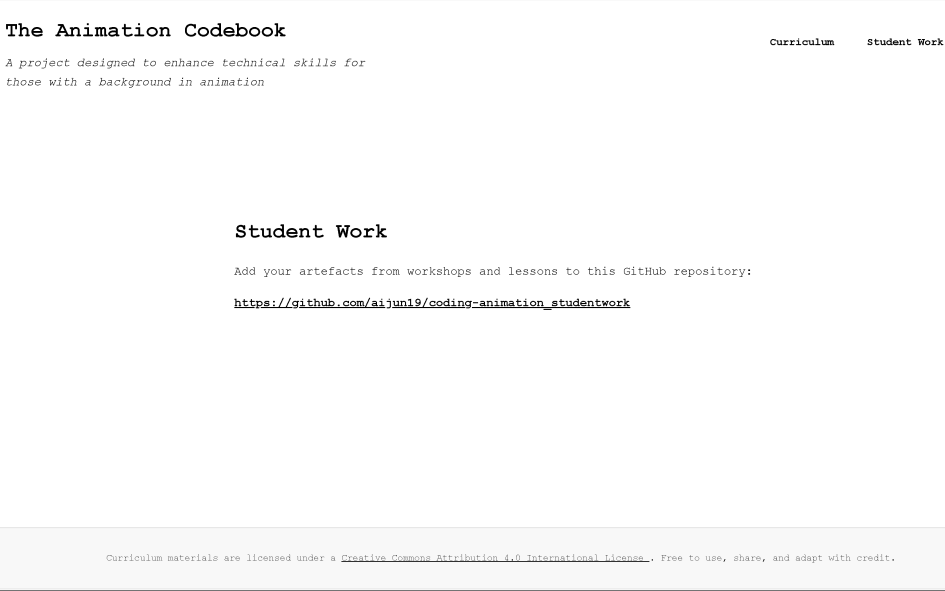
Student Work Page
This was just simply a link to the repository where potential students could fork and initiate PR’s with their files and class response works, and I could merge them to be a sort of ‘class artefacts’ or ‘student gallery’ display.
Hosting
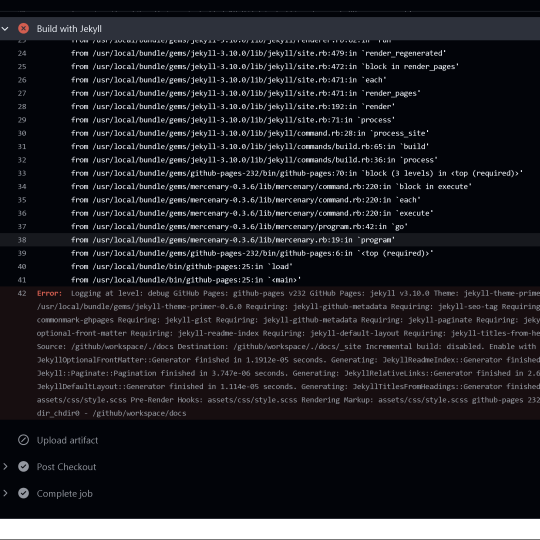
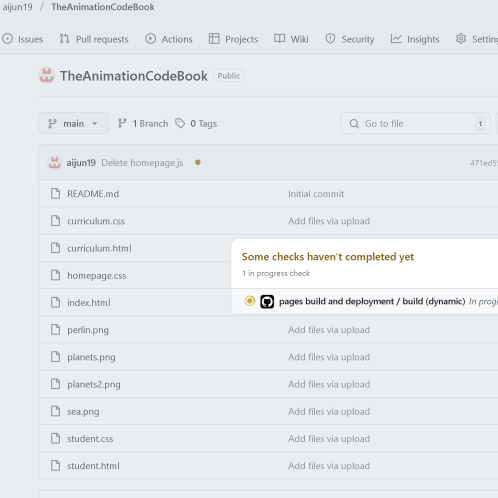
With a little bit of figuring out, hosting was done on GitHub Pages. There were some difficulties at first but could be resolved in time.
Leave a Reply